Multiverse Explorer Multiverse Explorer
How it works Realms On your watch The Nexus Help
Get the app
Selfie in. Multiverse out.

Every version of you,
collected.

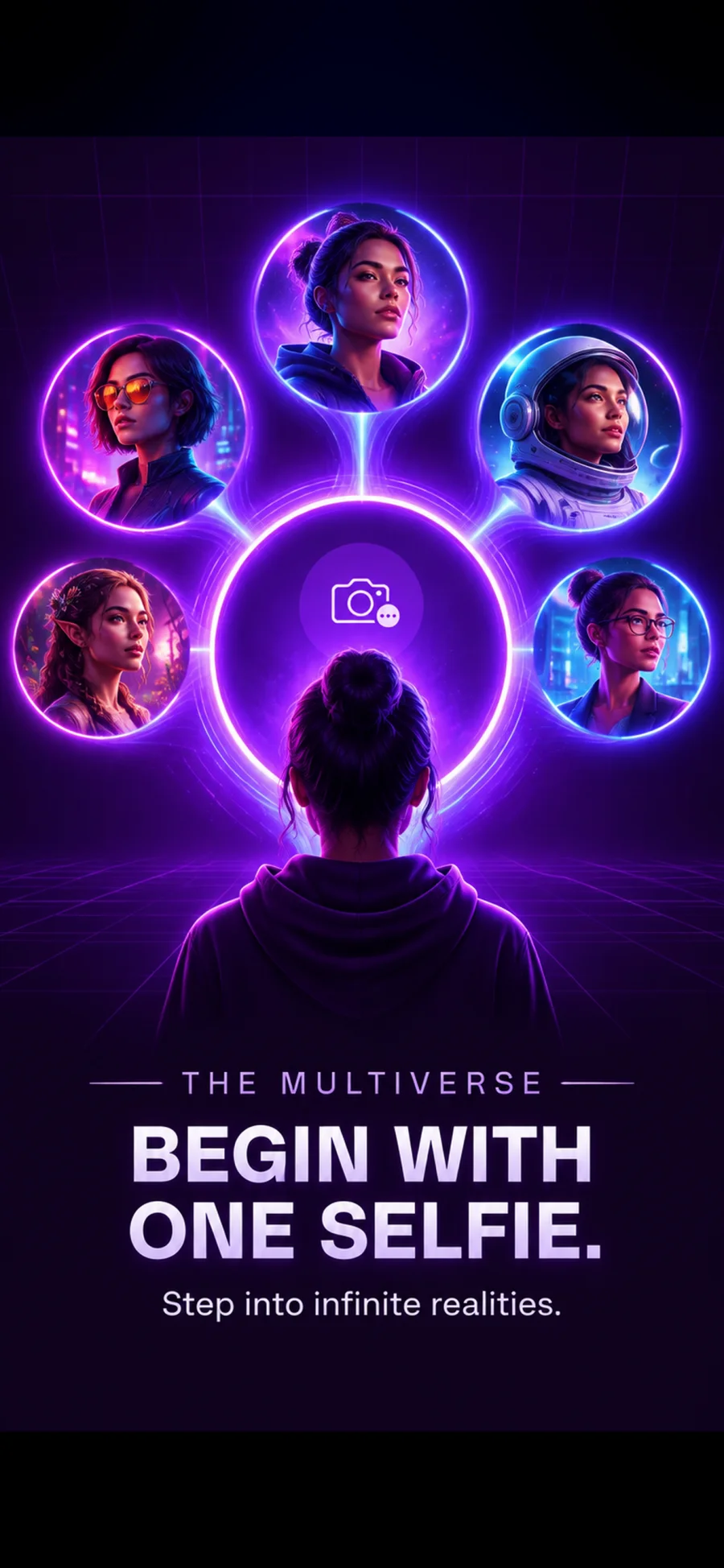
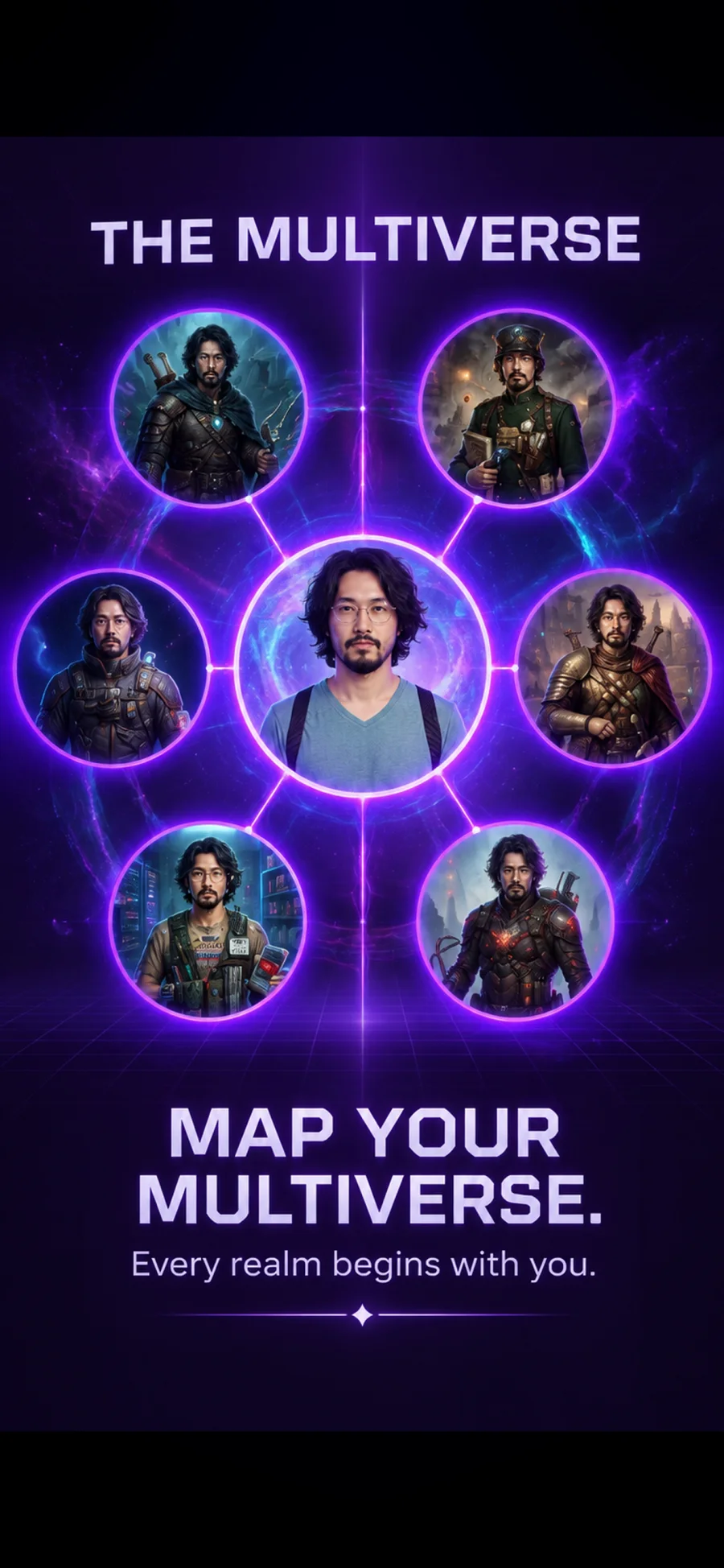
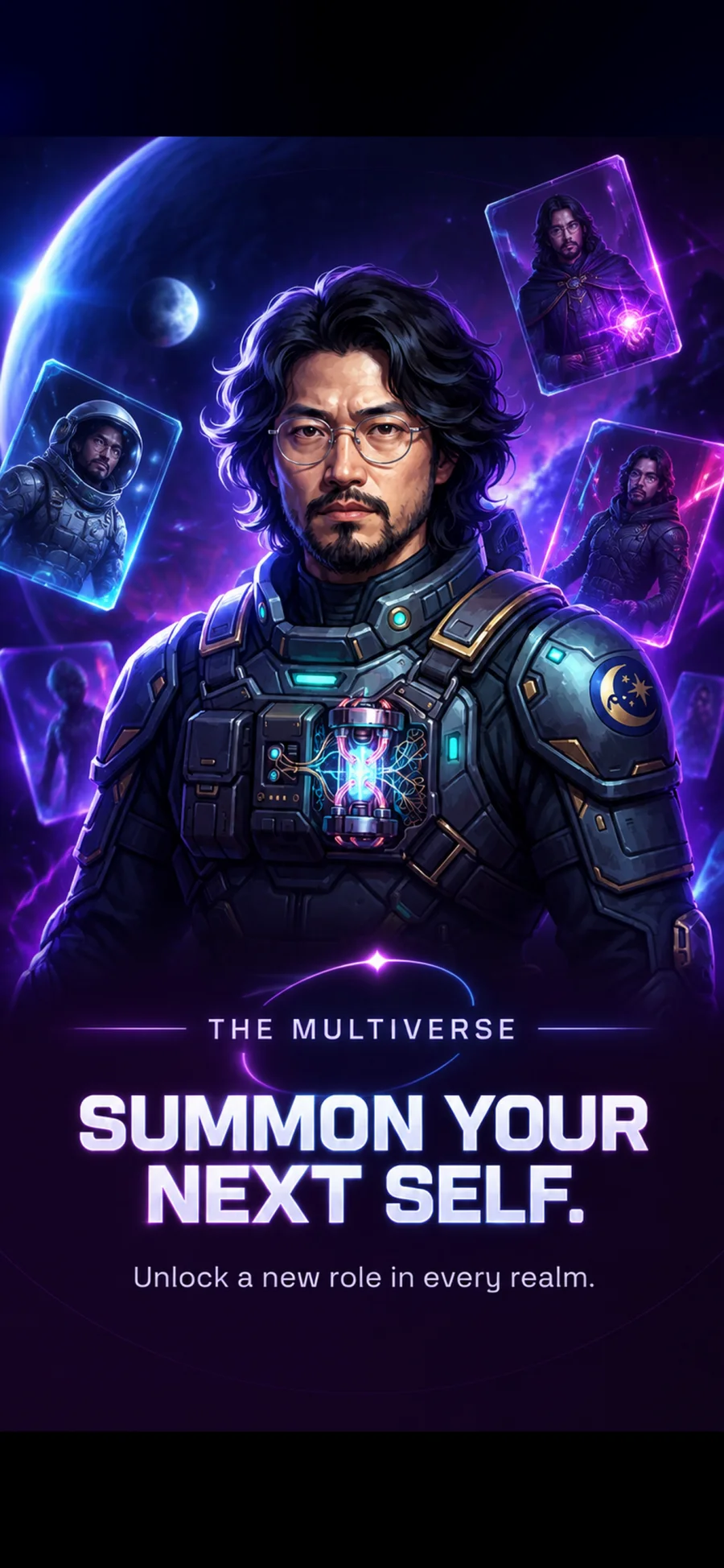
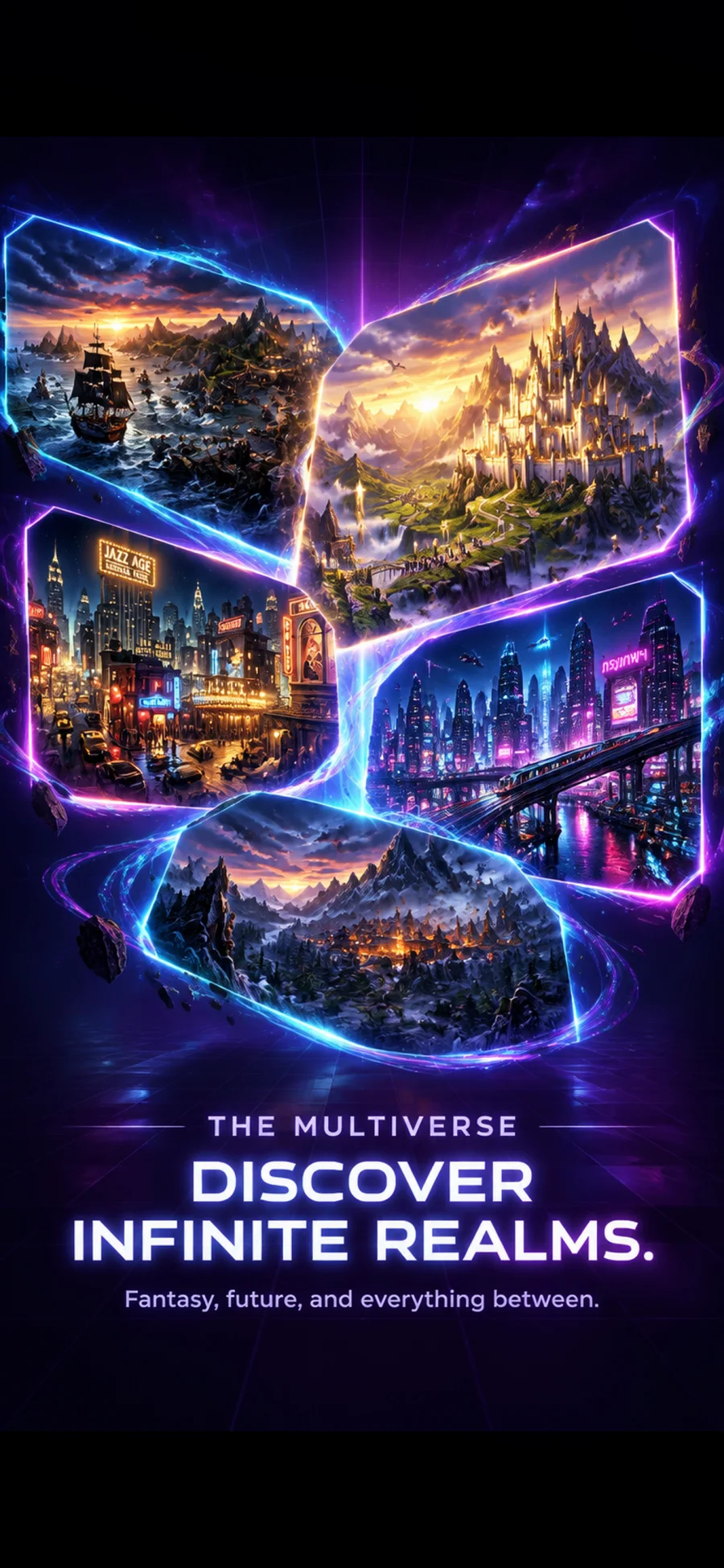
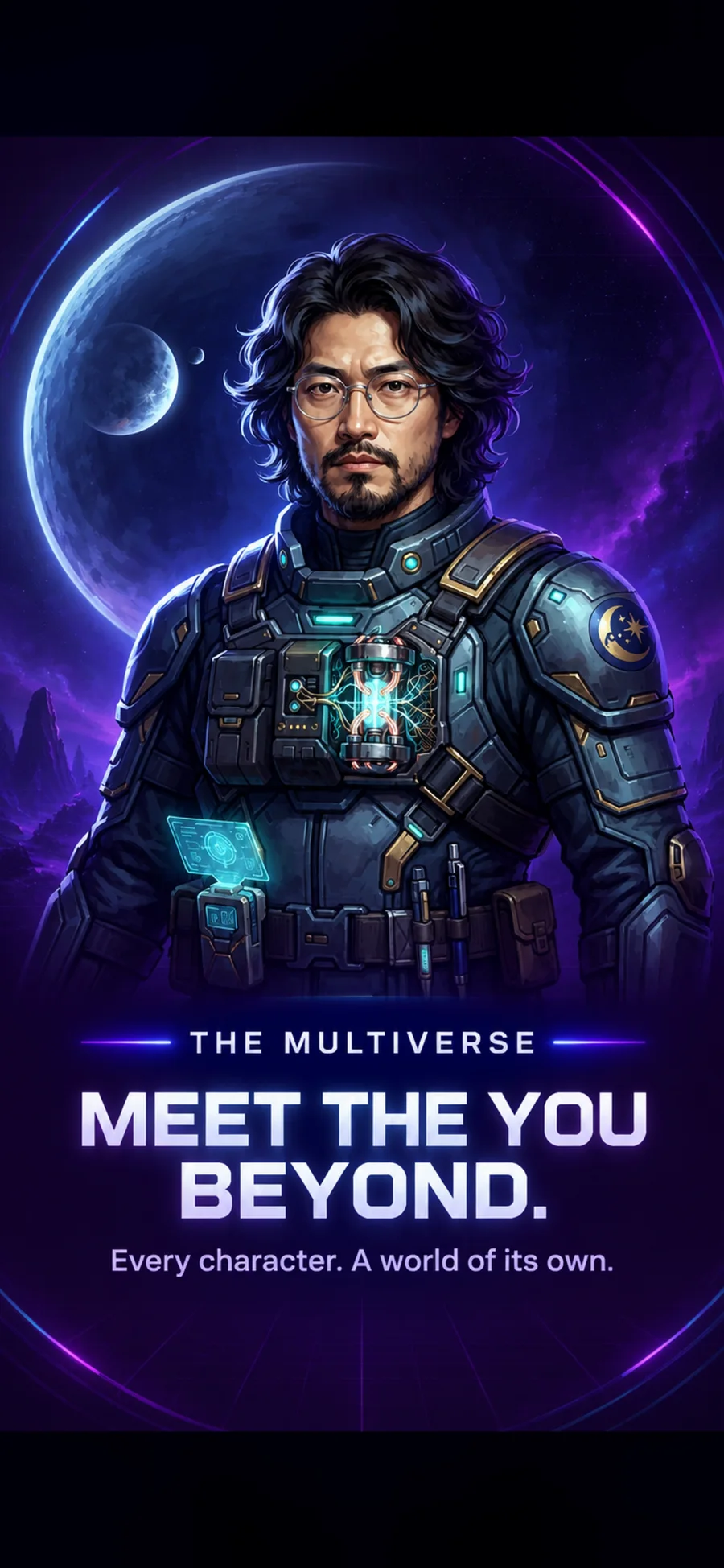
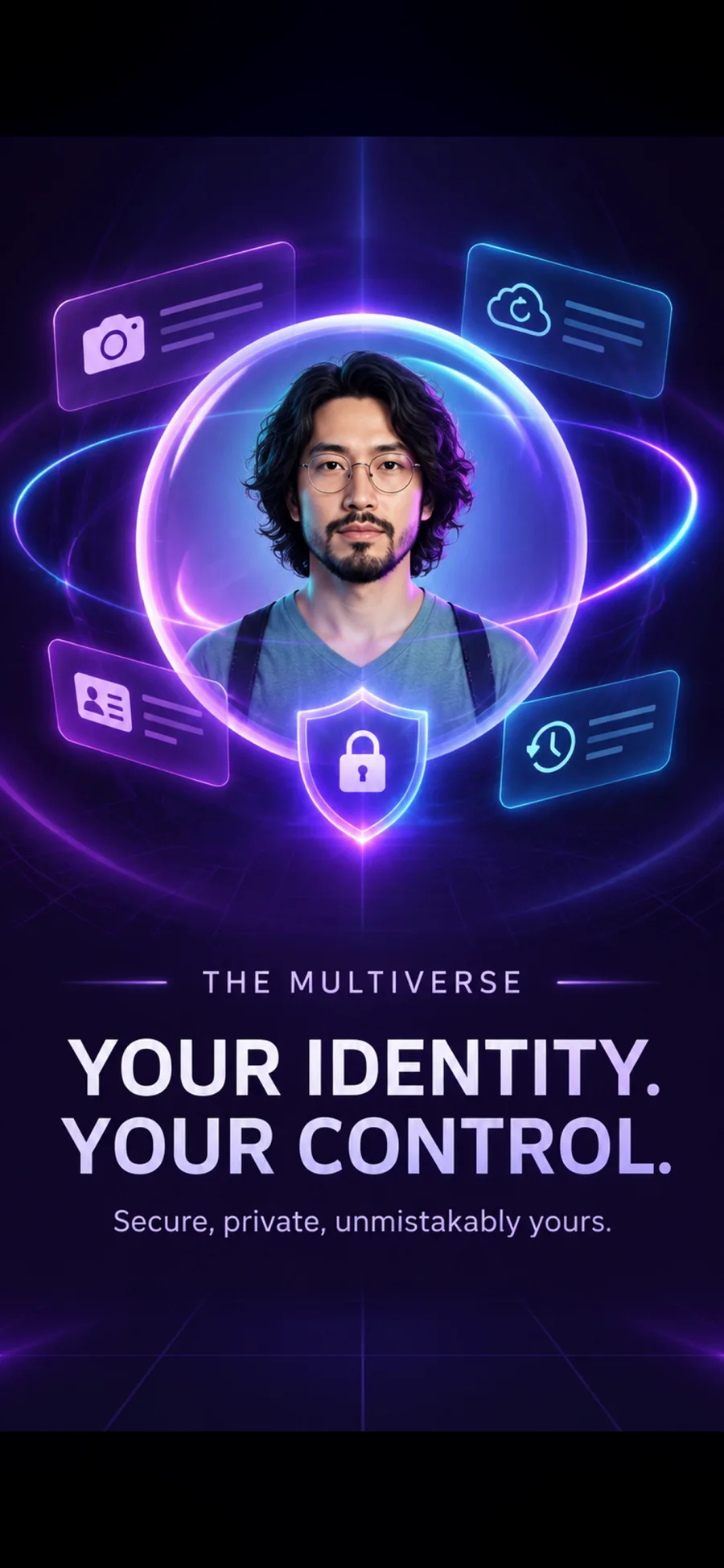
Take one selfie. Multiverse Explorer generates whole realms of alternate you — a cyber mercenary, a fantasy ranger, an eldritch envoy — each with its own AI-written backstory. Unlock the ones you want and keep them.

Get it on Google Play See how it works
Android · free to start · a Wear OS watch unlocks the watch-face features
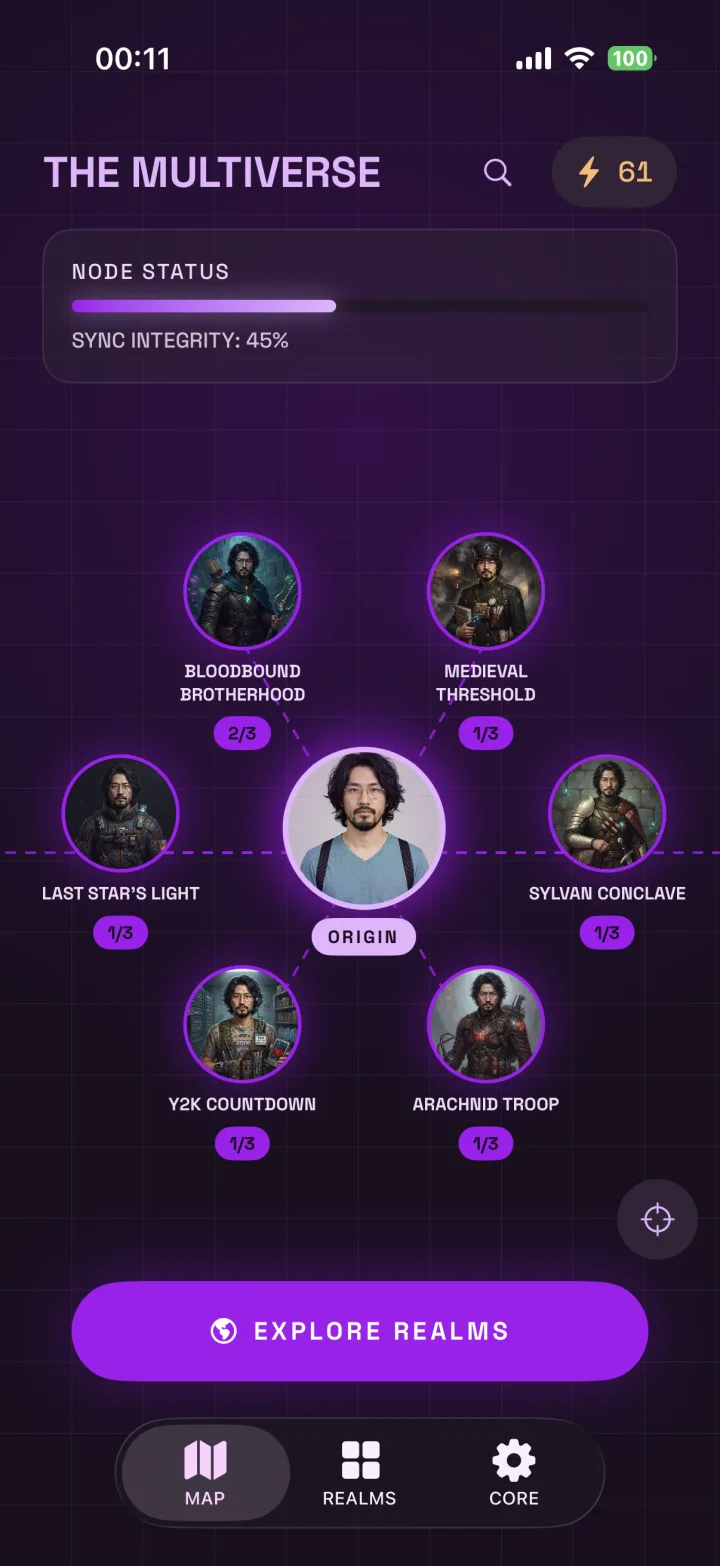
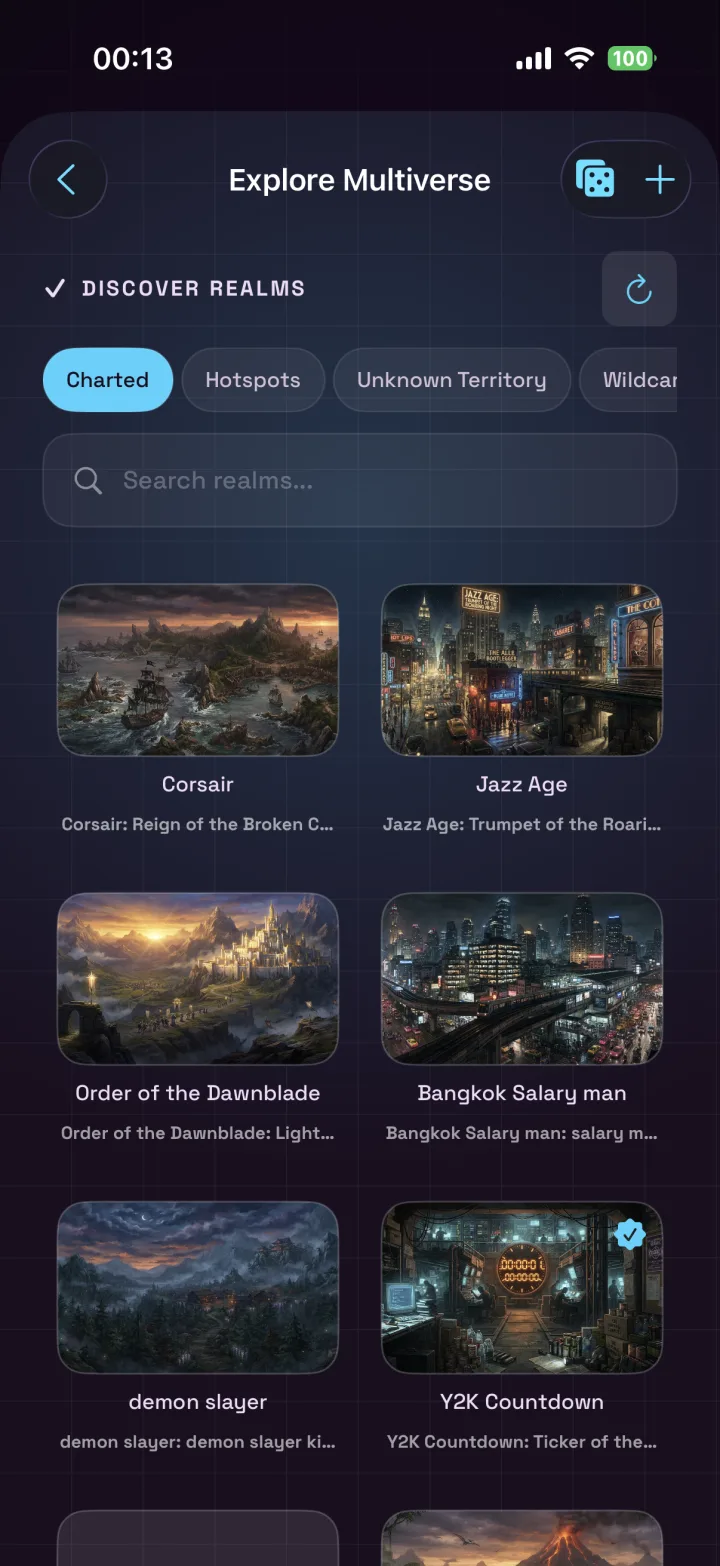
The Multiverse chart screen, showing a user's realms and characters
3
starter realms from your first selfie
2–5
credits to unlock, by rarity
sub-realms branching off any realm
1
tap to push a face to your watch
The loop

Four steps, then you're wearing yourself

No prompts to write, no settings to learn. The app does the generating; you decide who's worth keeping.

01
Take one selfie
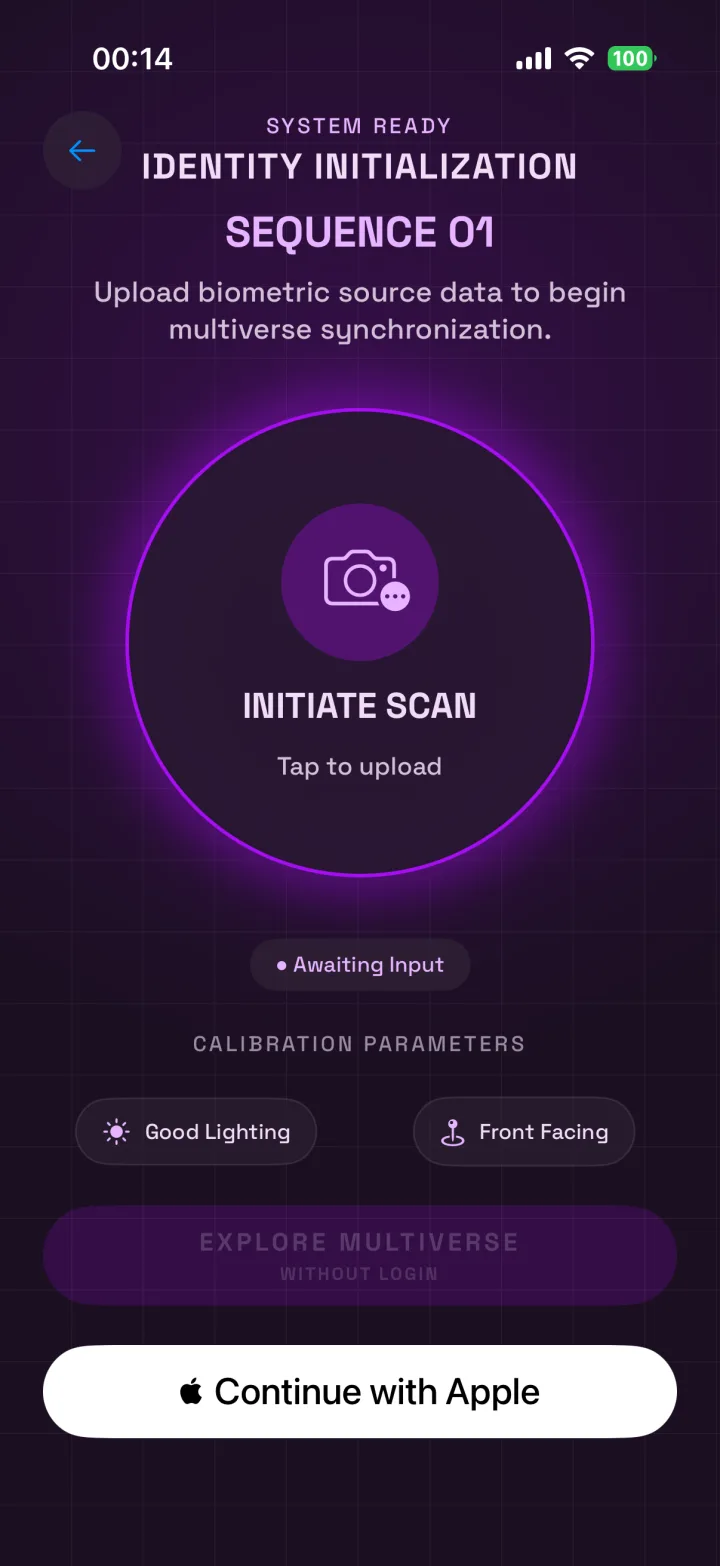
Front camera, good light. The app checks the frame on-device before anything leaves your phone.
02
Three realms appear
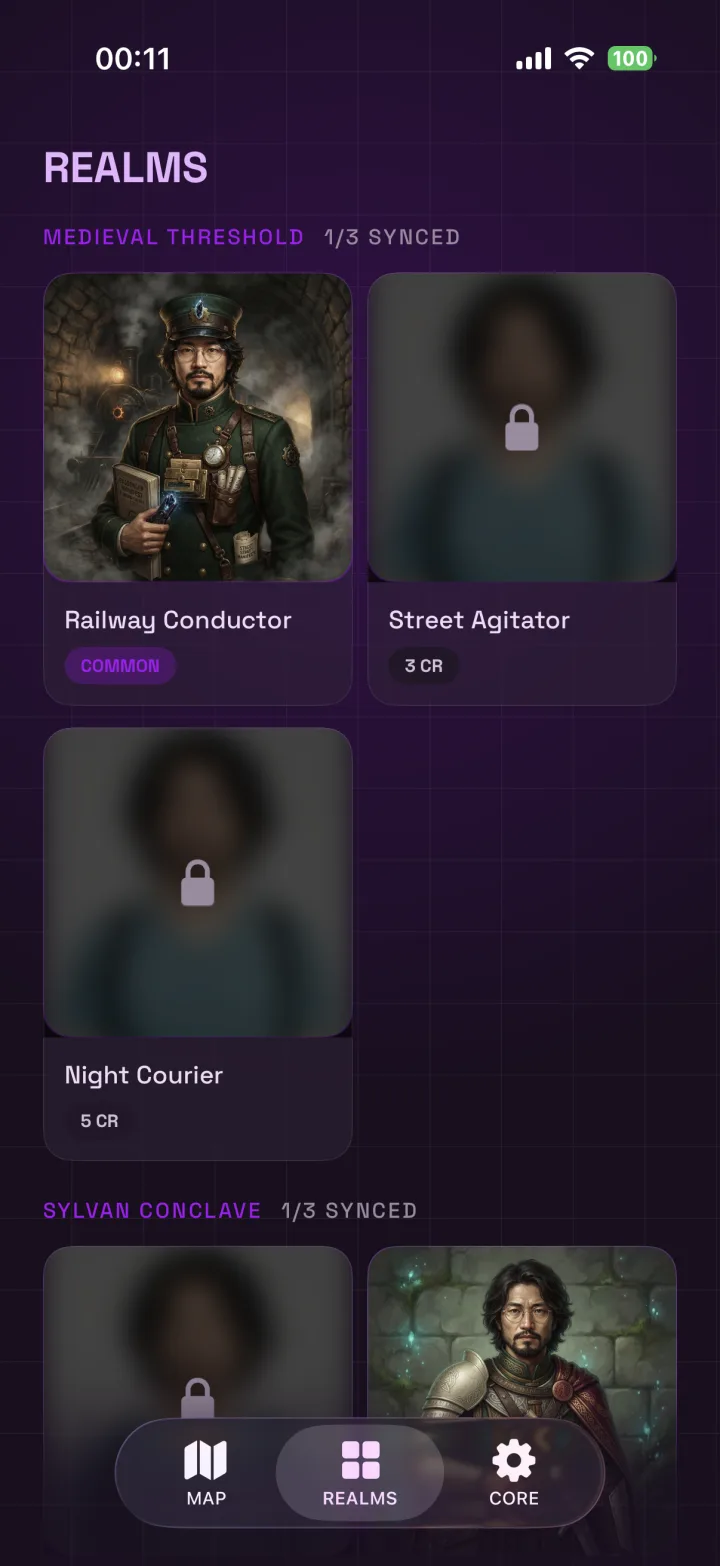
Each one a roster of alternate identities with names, roles and written backstories — shown first as blurred teasers.
03
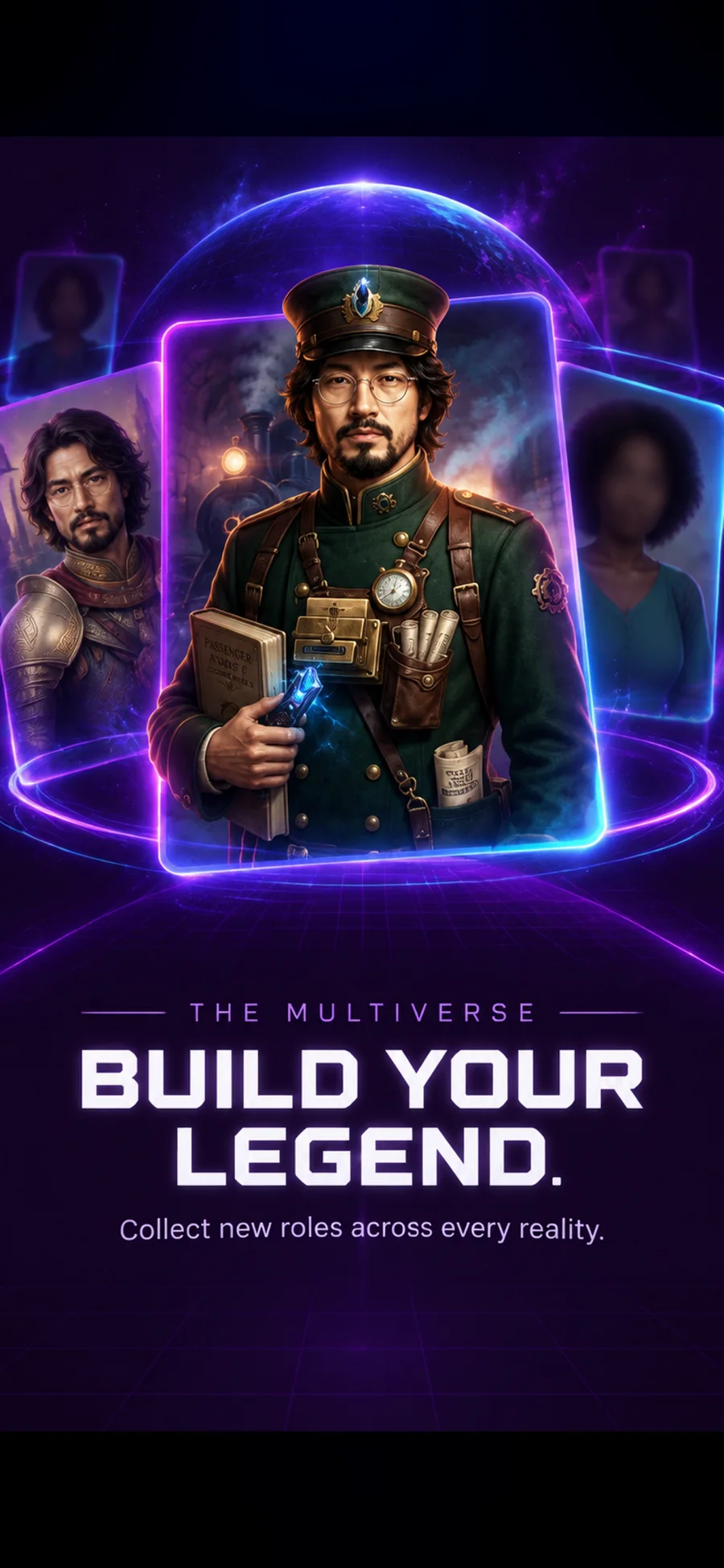
Spend credits to reveal
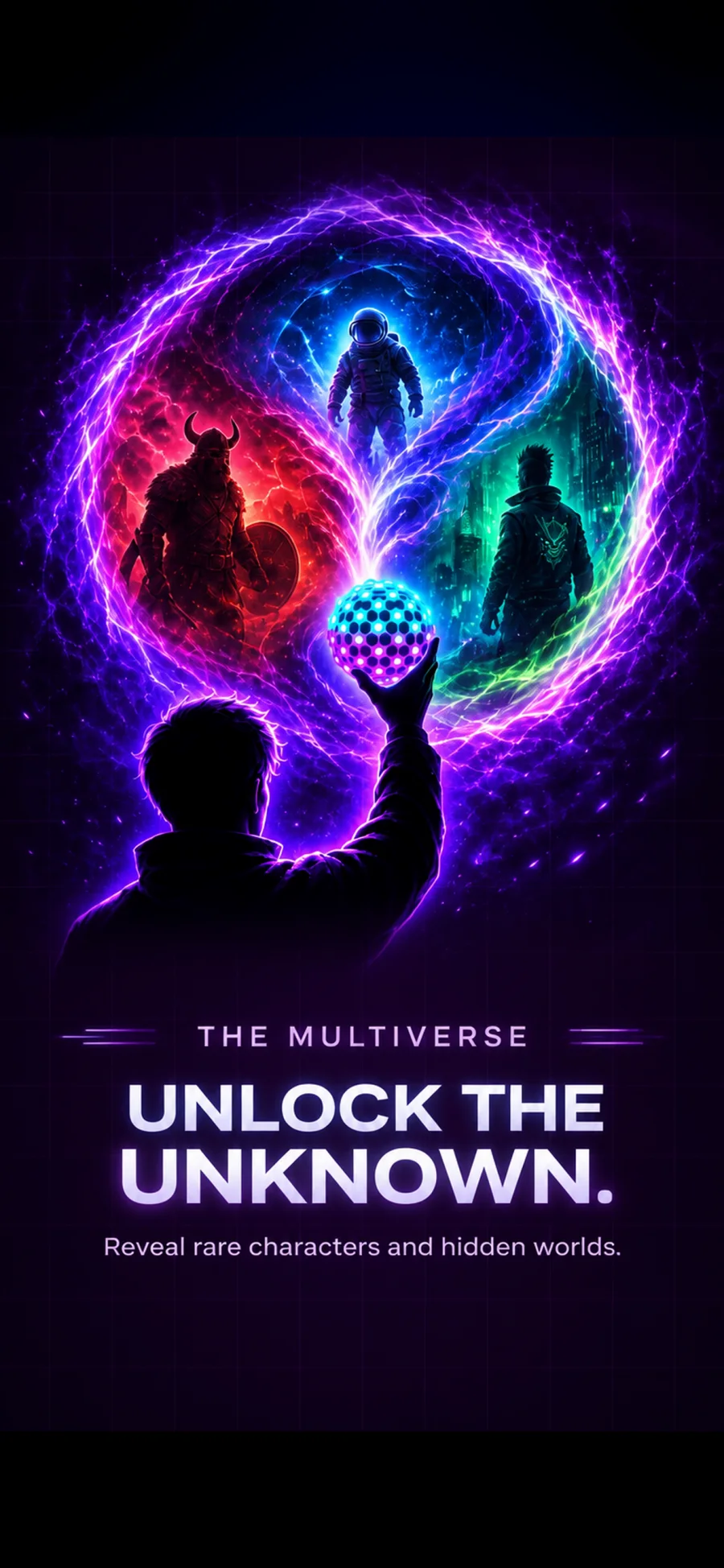
Common costs 2, Rare 3, Epic 5. The full-resolution portrait is generated and yours to keep.
04
Send it to your watch
Optional, and the best part: your phone builds a real watch face and installs it on your Wear OS watch.
Realms & rarity

A roster worth finishing

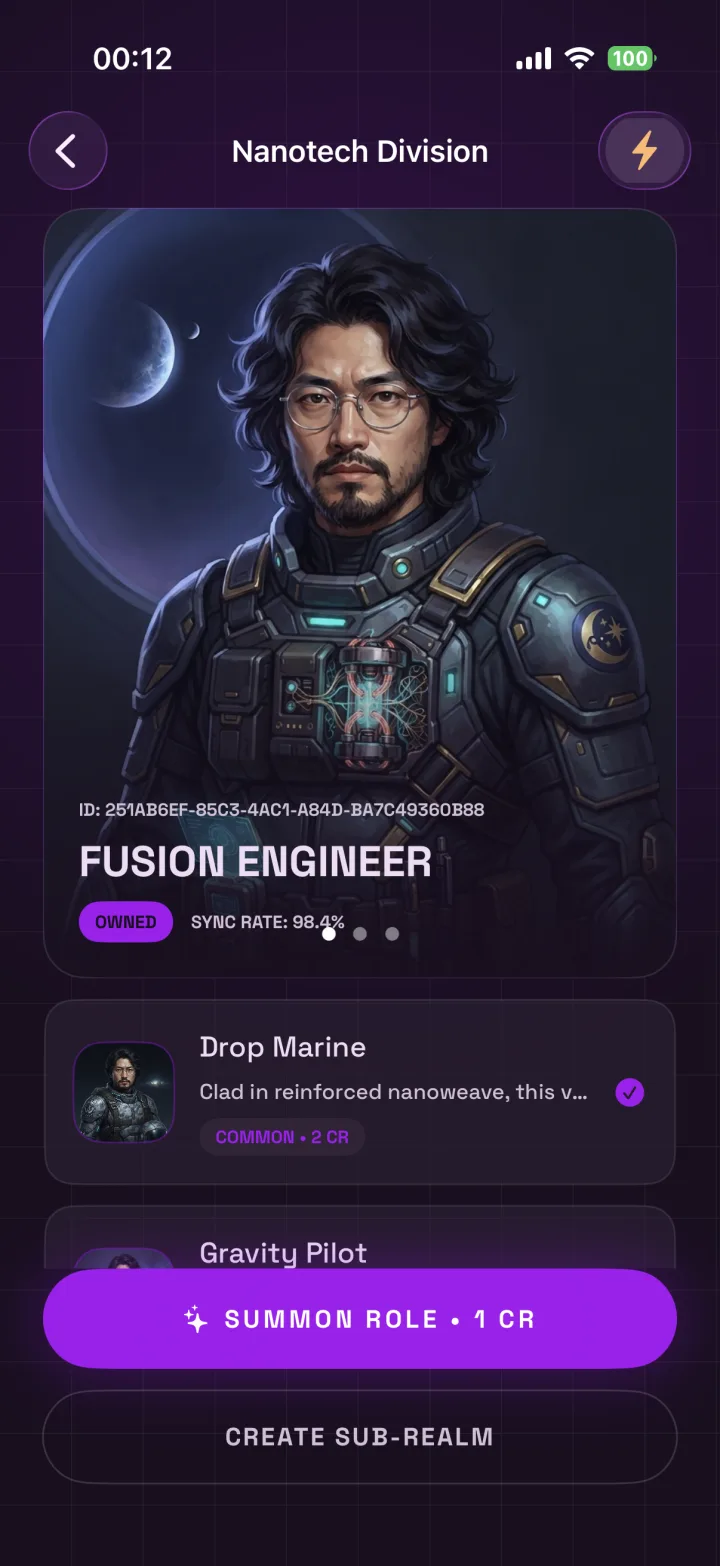
Every realm has its own accent colour, its own cast, and its own completion state. Unlock a character and it takes over the realm's cover. Don't like a locked role? Re-roll it for a credit and get a different one. Don't like the art you got? Re-roll that instead.

Branch a sub-realm off any realm
Cyber begets Eldritch begets something you name yourself. The chart grows outward from you.
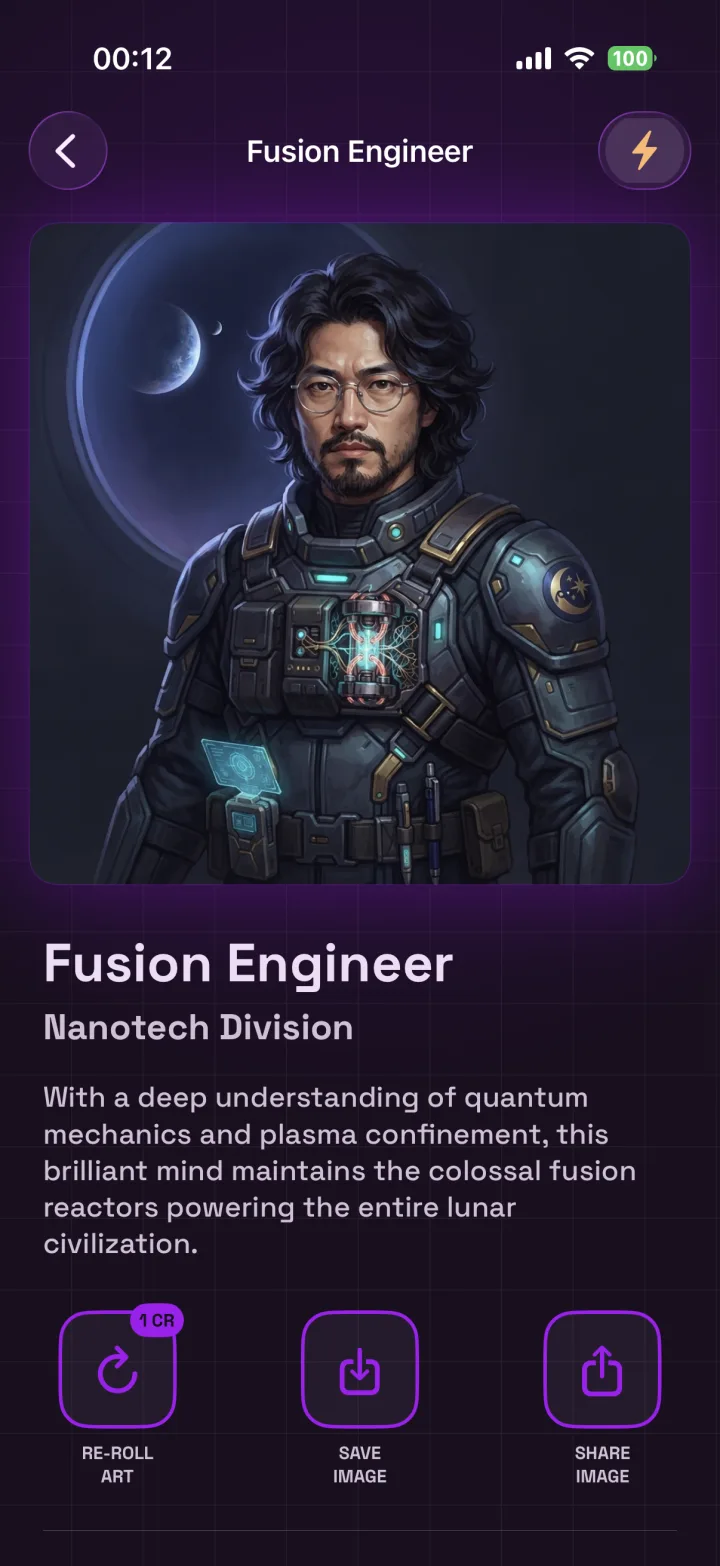
Every character comes written
A role, a sector, and a short backstory generated alongside the portrait — not filler text.
Summon extra roles
One credit adds a brand-new, realm-appropriate character to a roster that's getting thin.
Oasis Guard character detail screen, an unlocked Mad Max realm character
Sending Waste Scrounger's watch face to a paired Wear OS watch, live transfer progress
On your wrist

Not a wallpaper. A real watch face.

Pick an unlocked character and tap once. Your phone packages the portrait into a genuine Wear OS watch face, streams it to your watch and sets it live — clock, date, complications and all. Nothing to sideload, no companion downloads.

Watch Face Format Built on-device Live transfer progress Set active automatically

Phone-first: everything else in Multiverse Explorer works without a watch. Pair a Wear OS watch when you want to wear a face.

The Nexus

Walk through someone else's multiverse

Share a beacon code — or let a friend scan your QR — and you can each open the other's chart and browse their realms, their characters, their stories. You decide what a visitor is allowed to do: browse only, or summon roles and branch realms alongside you.

Approve every visitor
Connections are mutual and only start once you accept.
Grant abilities one by one
Summon, create realm, save image — each off by default.
Rotate your code
Retire an old beacon any time without losing friends.
Revoke instantly
Access ends the moment you withdraw it.
The Nexus screen, showing a beacon QR code and a connected friend
Your selfie

Handled like the sensitive thing it is

Checked on your phone first
Face detection runs on-device and rejects an unusable photo before it's ever uploaded.
Moderated before it's stored
Uploads are screened for unsafe content; anything that fails is refused rather than kept.
Your images stay yours
Selfies and unlocked portraits are served only to your account, or to a friend you've explicitly connected with.
Replace or start over
Swap your selfie whenever you like, or sign in with Google so your collection survives a new phone.
Help

Common questions

Do I need a smartwatch?
No. Generating realms, unlocking characters, reading their stories and saving the art all work on the phone alone. A Wear OS watch adds the "send to watch" step.
What are credits?
The in-app currency you spend to reveal a character — 2 for Common, 3 for Rare, 5 for Epic — or to summon and re-roll. Packs of 20, 100 and 250 are available through Google Play.
Do I have to make an account?
You can start anonymously. Linking a Google account backs up your realms and characters, restores them on a new device, and comes with a starter grant of credits.
An unlock failed. Was I charged?
No. Credits are only debited when the character is actually produced, and a retry after a dropped connection resumes the same unlock instead of charging twice.
Can I get different art for a character I own?
Yes — re-roll the portrait for one credit. Save the current image first if you want to keep it; the re-roll replaces it.
How do I stop someone visiting my multiverse?
Open The Nexus, find them under Friends, and revoke the connection — or rotate your beacon code so old invites stop working.

One selfie away

Find out who you are in the other realms — and put one of them on your wrist.

Get it on Google Play Read the FAQ
Multiverse Explorer
A gamified selfie watch-face app for Android and Wear OS.
Product
How it works Realms Watch faces
Support
FAQ Contact us Privacy policy
Download
Get it onGoogle Play
© 2026 Multiverse Explorer. Wear OS and Google Play are trademarks of Google LLC.